Ship guide
My Internet Experience on Holland America’s Koningsdam in Alaska
How well did Wi-Fi work on my Alaska cruise? My experience aboard Koningsdam, including Premium Wi-Fi, speed tests and connecting with a VPN.
3 min read · Published October 1, 2026
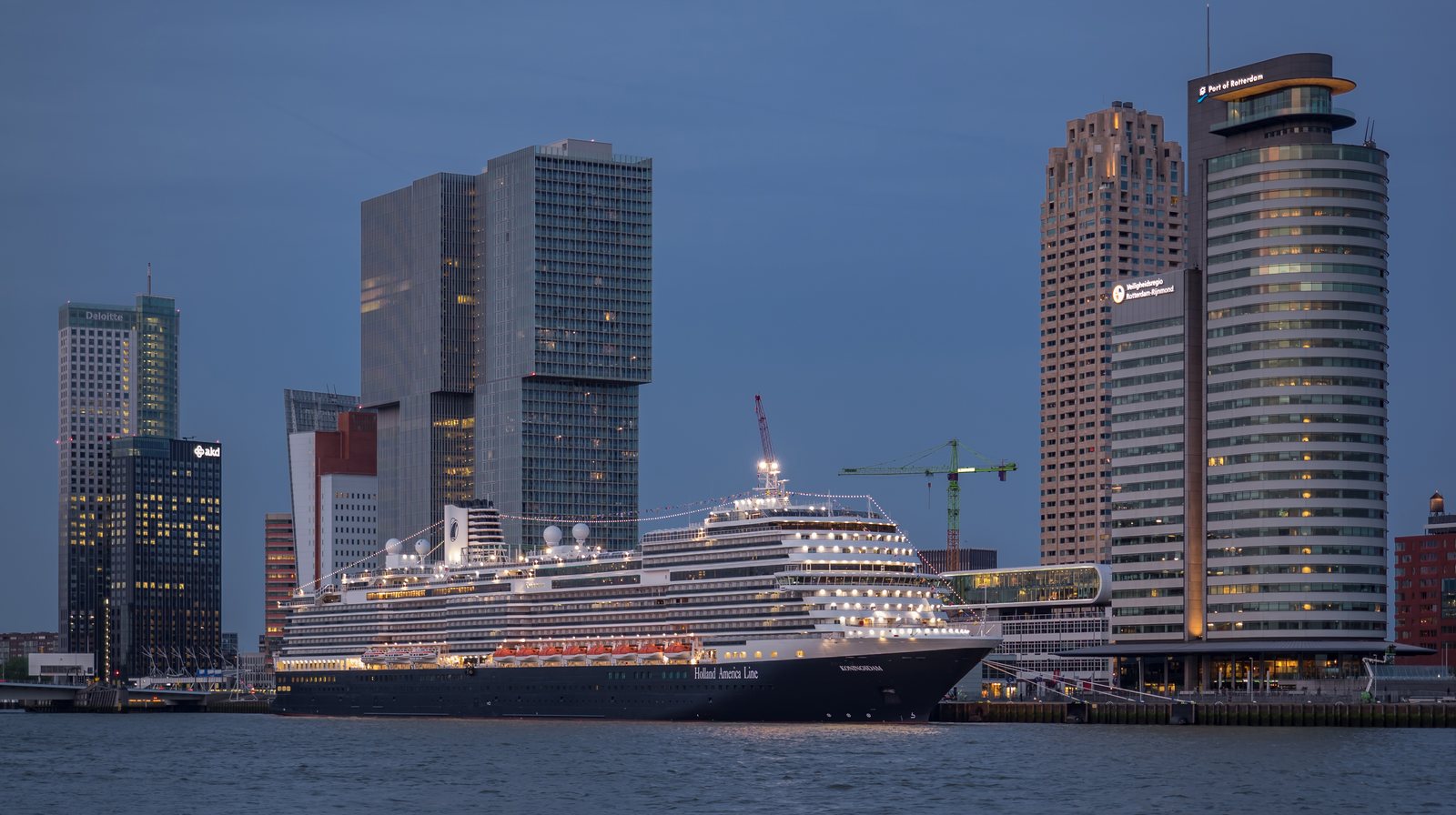
I had some work to do during my Alaska cruise, so I bought the Premium Wi-Fi package on Holland America’s Koningsdam.
Overall, I was happy with it. I could join Microsoft Teams meetings with my camera on, take care of what I needed to, and get back to enjoying the holiday. The connection varied during the trip, but it was useful to have the option to stay connected.
What Was the Wi-Fi Like?
Before sailing, I wondered how well the internet would work at sea, especially in Alaska. In my experience, it worked well enough for video meetings.
One thing surprised me: the connection sometimes seemed worse closer to ports. I had expected it to improve as we approached land.
I wondered whether the surrounding mountains affected the satellite connection, but I do not know what caused it. Holland America says weather, ship location, local terrain and satellite availability can all affect performance.
It worked for my needs, though I would still leave some flexibility around an important call.
My Speed Tests: With and Without a VPN
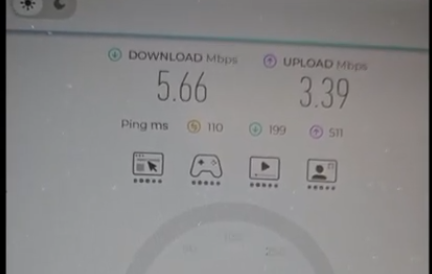
I also tested the connection without a VPN, then with WireGuard and OpenVPN. Both VPN options connected successfully.
Here are my results, which I also shared in my YouTube video:
| Connection | Download | Upload | Ping |
|---|---|---|---|
| No VPN | 10.02 Mbps | 4.74 Mbps | 160 ms |
| WireGuard | 5.66 Mbps | 3.39 Mbps | 110 ms |
| OpenVPN | 44.51 Mbps | 19.77 Mbps | 180 ms |
OpenVPN gave me the highest download and upload speeds in these tests. These were individual measurements during the cruise, so I would not assume it will always be faster.
For me, the useful takeaway was that both VPN options worked on my sailing.
Which Wi-Fi Package Did I Use?
I used Premium, the middle option in Holland America’s current Wi-Fi lineup. Holland America says its fleet uses Starlink and offers three packages:
| Plan | What it includes | Published price |
|---|---|---|
| Surf | Web browsing, email and messaging without audio/video features | Included with standard Have It All; also sold onboard |
| Premium | Surf features plus audio and basic video calling | US$26 per day |
| Stream | Premium features plus video streaming | US$38 per day |
The published daily rates are based on a seven-day package. Prices can change, and eligible pre-cruise upgrades may be discounted, so check the quote for your booking.
Premium does not officially include video streaming. If watching online videos is part of your holiday plans, Stream is the package intended for that.
For what I needed during this trip, Premium was enough.
Can You Use the Ship’s App Without Buying Internet?
Yes! You do not need a paid internet package to use the Holland America Navigator app onboard.
Connect to the ship’s Wi-Fi to check activities, dining information and other onboard features, or use the app to chat with your travelling companions. Those functions do not require an internet purchase.
So, even if you decide to stay offline for the holiday, you can still use the app to see what is happening on the ship.
Would I Buy Wi-Fi Again?
Yes! if I had work to do during the trip or wanted to keep in touch with family at home.
But I would not buy it just to fill the time. There was plenty to enjoy onboard without an internet package, and Alaska gave me plenty of reasons to put my phone away.
Sources
- Holland America — Wi-Fi Plans & Internet Packages https://www.hollandamerica.com/en/ca/onboard-packages/cruise-ship-wifi?utm_source=chatgpt.com · accessed 2026-10-01
- Youtube — Holland America Alaska Cruise VPN and Netflix Testing https://www.youtube.com/watch?v=yioLkJBK5VE · accessed 2026-10-01